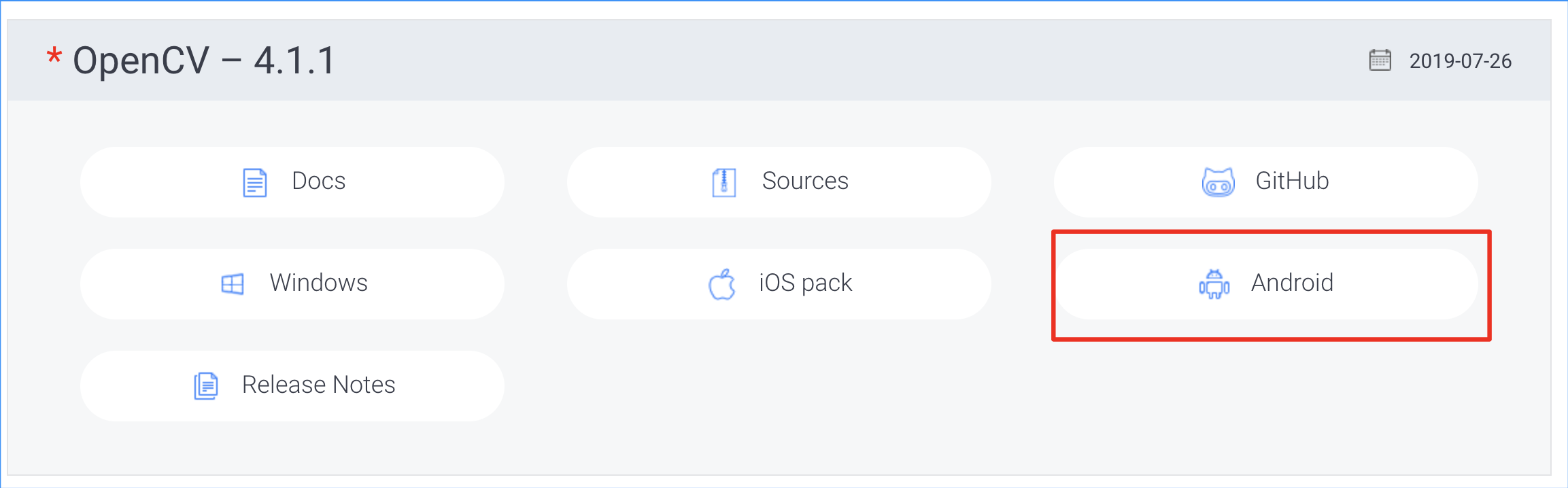
1.opencv下载:https://opencv.org/releases/ 解压后为OpenCV-android-sdk
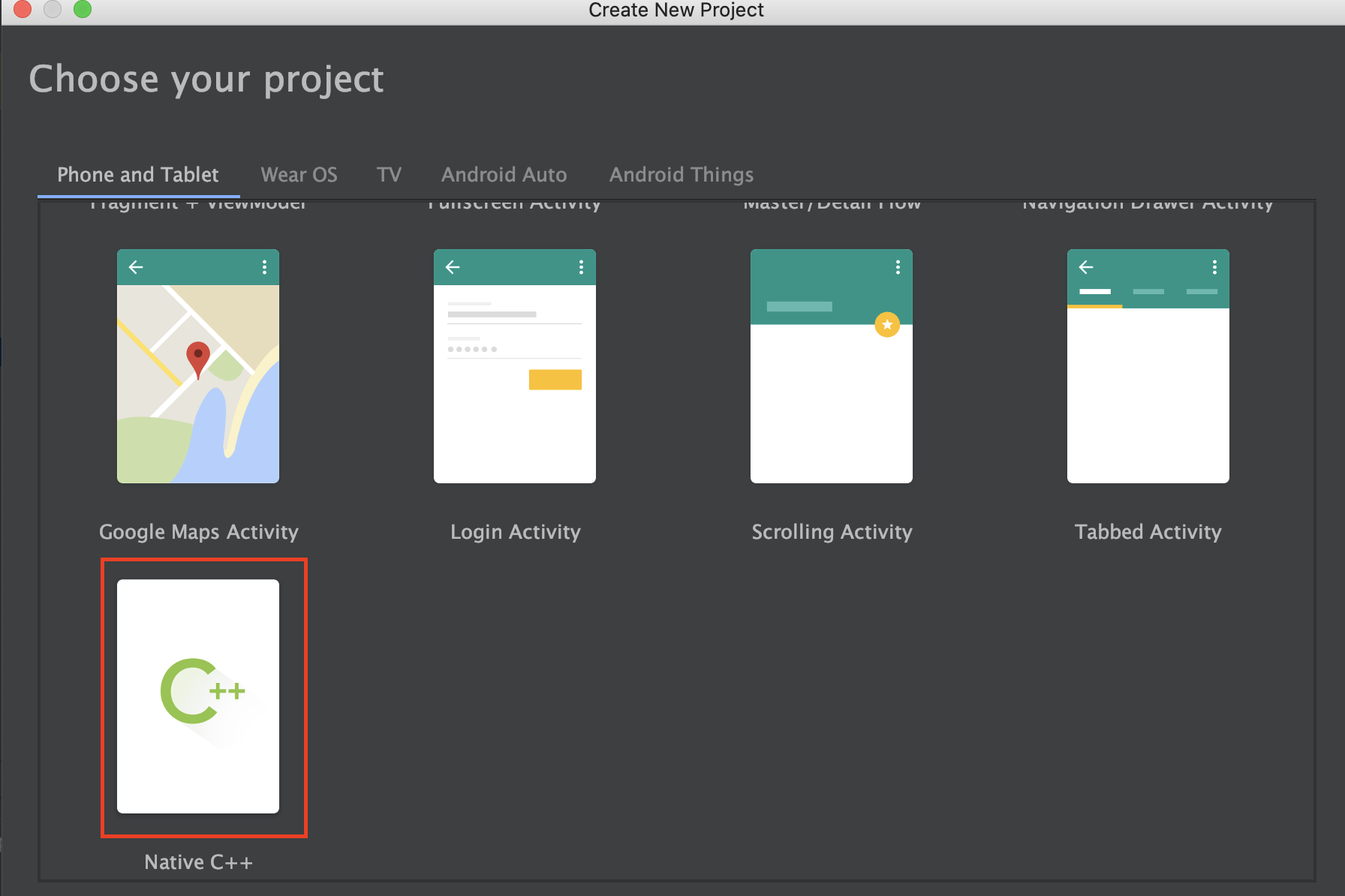
2.创建初始Android项目
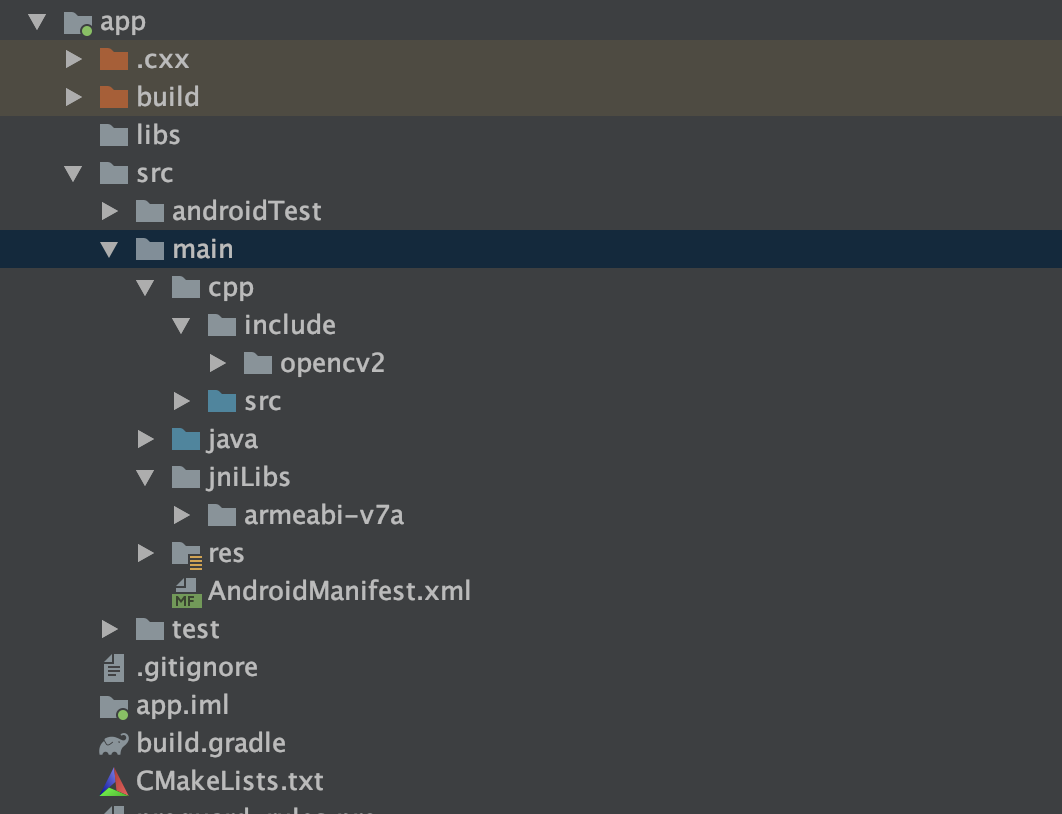
3.在app/src/main目录下新建jniLibs目录,在app/src/main/cpp目录下新建include目录和src目录
将OpenCV-android-sdk/sdk/native/libs下所有目录复制到jniLibs目录中
将OpenCV-android-sdk/sdk/native/jni/include下的所有目录复制到app/src/main/cpp/include目录中
移动app/src/main/cpp/CMakeLists.txt至app目录下
移动app/src/main/cpp/native-lib.cpp至app/src/main/cpp/src/native-lib.cpp
4.配置文件修改
CMakeLists.txt
1
2
3
4
5
6
7
8
9
10
11
12
13
14
15
16
17
18
19
|
cmake_minimum_required(VERSION 3.4.1)
include_directories(${CMAKE_SOURCE_DIR}/src/main/cpp/include)
add_library(libopencv_java4 SHARED IMPORTED)
set_target_properties(libopencv_java4 PROPERTIES IMPORTED_LOCATION
${CMAKE_SOURCE_DIR}/src/main/jniLibs/${ANDROID_ABI}/libopencv_java4.so)
add_library(native-lib SHARED src/main/cpp/src/native-lib.cpp)
find_library(log-lib log )
target_link_libraries(native-lib libopencv_java4 ${log-lib} )
|
app/build.gradle
1
2
3
4
5
6
7
8
9
10
11
12
13
14
15
16
17
18
19
20
21
22
23
24
25
26
27
28
29
30
31
32
33
34
35
36
37
38
39
40
41
42
43
44
45
46
47
48
49
50
51
52
53
| apply plugin: 'com.android.application'
android {
compileSdkVersion 29
buildToolsVersion "29.0.2"
defaultConfig {
applicationId "com.wisesoft.wiseface"
minSdkVersion 21
targetSdkVersion 29
versionCode 1
versionName "1.0"
testInstrumentationRunner "androidx.test.runner.AndroidJUnitRunner"
externalNativeBuild {
cmake {
cppFlags "-std=c++11 -frtti -fexceptions"
abiFilters 'armeabi-v7a'
arguments "-DANDROID_STL=c++_shared"
}
}
ndk{
abiFilters 'armeabi-v7a'
}
}
sourceSets{
main{
jniLibs.srcDirs = ['src/main/jniLibs']
jni.srcDirs = []
}
}
buildTypes {
release {
minifyEnabled false
proguardFiles getDefaultProguardFile('proguard-android-optimize.txt'), 'proguard-rules.pro'
ndk{
abiFilters 'armeabi-v7a'
}
}
}
externalNativeBuild {
cmake {
path "CMakeLists.txt"
}
}
}
dependencies {
implementation fileTree(dir: 'libs', include: ['*.jar'])
implementation 'androidx.appcompat:appcompat:1.1.0'
implementation 'androidx.constraintlayout:constraintlayout:1.1.3'
testImplementation 'junit:junit:4.12'
androidTestImplementation 'androidx.test:runner:1.2.0'
androidTestImplementation 'androidx.test.espresso:espresso-core:3.2.0'
}
|
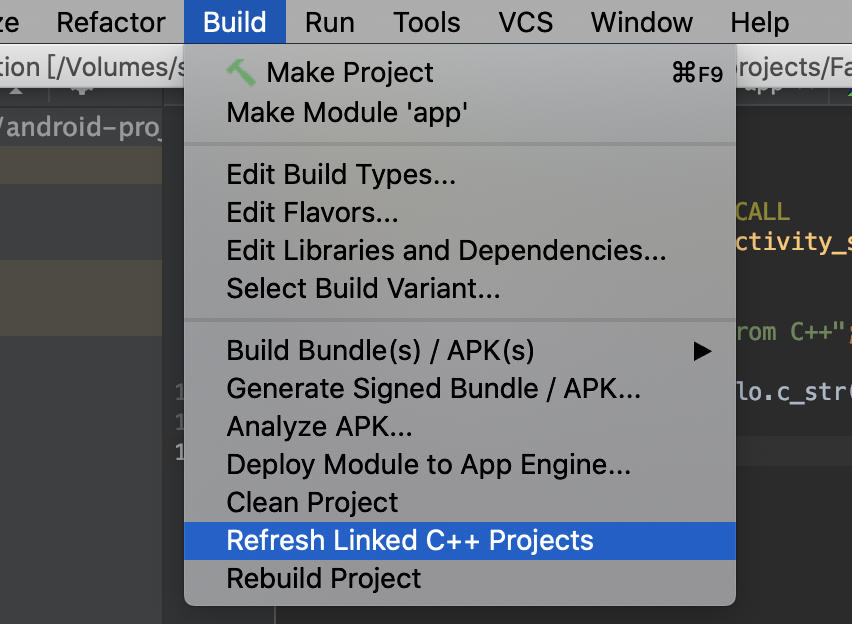
5.刷新配置点击Sync Now并refresh c++
6.使用原生opencv c++ 代码进行开发
1
2
3
4
5
6
7
8
9
10
11
12
13
| #include <jni.h>
#include <string>
#include <opencv2/opencv.hpp>
extern "C" JNIEXPORT jstring JNICALL
Java_com_wisesoft_wiseface_MainActivity_stringFromJNI(
JNIEnv* env,
jobject ) {
std::string hello = "Hello from C++";
cv::Mat mat;
return env->NewStringUTF(hello.c_str());
}
|